
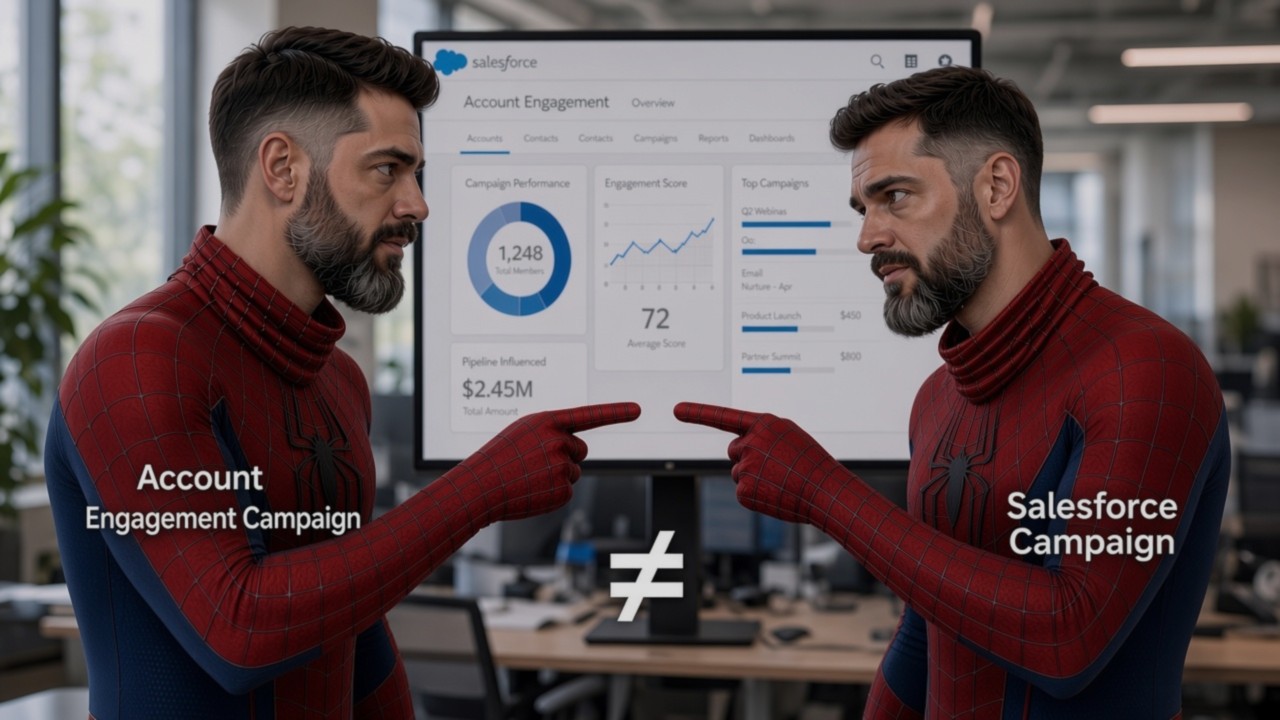
Salesforce campaigns in Account Engagement: build the structure
Salesforce campaigns 🛈 are where your marketing results come together. When they follow a clear structure, every download, email and event reports into one place, and you can answer “what worked?” without a spreadsheet. In this post I show you how Salesforce campaigns work with Account Engagement, how to nest them and how to name them. By the end, you will be able to design a campaign tree your whole team can read.
What you’ll learn
- The difference between an Account Engagement campaign and a Salesforce campaign
- Who can and cannot be a campaign member
- How results roll up through a hierarchy
- A five-level structure you can reuse
- A naming pattern and statuses that keep reports readable
Two things called “campaign”
If you read the fundamentals post, you know the first one: an Account Engagement campaign 🛈 is the first-touch label on a prospect. A prospect has exactly one.
A Salesforce campaign 🛈 is different. It is a record that groups people and activity for one marketing initiative, and a person can be a member 🛈 of many. This post is about the second one.
Which campaign is it?
Sort six statements into “Account Engagement campaign” or “Salesforce campaign”. All data is example data.
Using the word “campaign” for both in meetings.
Say “Salesforce campaign” or “first-touch campaign” every time.
What a Salesforce campaign does
Think of campaigns as your memory. Emails and forms do the work. Campaigns remember what happened and who was involved. They let you report on the results of an initiative and its influence on sales.
Account Engagement connects to them. A form, a link or a program can add a person to a Salesforce campaign, so the activity is recorded without anyone doing it by hand.
Creating campaigns with the wrong record type. The record type controls the page layout, the picklist values and the business process a user sees when creating a campaign.
Agree on the record type before anyone creates a campaign, and check it each time.
Who can be a campaign member
Account Engagement treats everyone as a prospect: anyone with at least an email address stored in it. A prospect starts as a raw prospect 🛈 that exists only in Account Engagement. It becomes a lead when it is assigned to a user or through Salesforce assignment rules, and sales can later convert the lead into a contact in Salesforce.
Salesforce campaigns hold Salesforce records. A raw prospect has none, so it will not appear as a campaign member.
Picture a team that imports a trade-show list and opens the campaign report. The campaign looks empty. Nothing is broken. Those people are raw prospects that haven’t been assigned or converted yet.
Is it in the report?
Switch the record between its three states and watch the campaign report. All data is example data.
Expecting everyone you email to show up in campaign reports.
Check how many of your target prospects exist in Salesforce before you rely on campaign reporting.
Nest campaigns like folders
Imagine the folders on your computer. A child campaign 🛈 is a folder inside its parent, and the parent’s properties count everything inside it. Salesforce campaigns work the same way, so results from every child roll up 🛈 into the parent.
A flat list of campaigns and a spreadsheet to add them up.
One parent campaign whose totals already include every channel underneath it.
Nesting is how you get reporting for free.
Watch the numbers roll up
Switch channels off and on. Every parent recalculates. All data is example data.
A person in two channels may be counted twice.
Making the tree deeper than you need.
If a level does not help you report, remove it.
A five-level structure you can reuse
I teach five levels:
- Business objective: the goal, for example growing existing customers.
- Phase: the stage of the buying journey, such as Awareness or Consideration.
- Asset: what you offer or run, such as an ebook.
- Activity: what you do with that asset, such as promotion or follow-up.
- Channel: how you reach people, such as email, website or trade media.
Keeping asset and activity apart pays off. The same asset often appears in more than one phase with a different activity each time. Your ebook is promoted in Awareness and followed up in Consideration. Two levels let you report on the ebook as a whole, and on promotion versus follow-up.
To build it:
- Create the top-level campaign for the business objective.
- Add one child per phase.
- Add the asset under each phase where it is used.
- Add one activity under each asset.
- Add one channel campaign per route to your audience.
Five levels uses the full depth Salesforce allows, so check your org’s limit before you design.
Build the tree
Step through one level at a time. All names are examples.
Building the tree differently for every project.
Use the same five levels every time, so a new colleague can read any campaign.
Name campaigns so reports read themselves
A good name tells the story on its own. Use the same order and separators every time:
Read left to right: objective, phase, asset, activity, channel. Anyone can filter on any part. Add the objective as a custom field as well, so you can group reports by it.
Name builder
Pick each part and the name assembles itself. Then see which campaigns a filter would find. All names are examples.
Filter preview. Filter by:
Tip: change one dropdown and see which reports the name affects.
Everyone names campaigns in their own style, so filters break after a few months.
Write the naming rule on one page and share it.
Choose statuses that match what you measure
A campaign status 🛈 describes where a member is. Choose them to fit the channel. Email might use received, opened, clicked. A website channel might use visited. A live event might use invited, registered, attended. Treat these as examples and define your own.
Statuses are small, but they are the difference between “40 people touched this” and “40 people touched this and 12 clicked.”
Pick the statuses
Choose a channel to see example statuses and example counts.
Leaving every campaign on default statuses.
Decide statuses when you create the channel campaign, not afterwards.
Recap and self-check
Tap a card to flip it, then check yourself with five quick questions.
Key takeaways
- An Account Engagement campaign is a first-touch label. A Salesforce campaign is a record with many members.
- Raw prospects have no Salesforce record, so they won’t appear as members.
- Nest by objective, phase, asset, activity and channel so results roll up.
- Name every campaign with the same pattern.
- Choose statuses to match what you measure.
Next step: If you want your campaign structure reviewed, or your team trained to build it, book a 30-minute call. Tell me your goals and let’s map the way there.
Book a 30-minute call
Let’s fix what’s slowing
your pipeline down.
Tell me what’s not working — leads, data, automation, reporting or your CRM — and I’ll tell you straight away if I can help.
[email protected]